
Microsoft ResearchAdvancing science and technology to benefit humanity
Microsoft Research helps advance various areas of research and technology to benefit humanity. The Microsoft Research website, which is built on WordPress, has thousands of posts and is used by hundreds of researchers and editors. The team at Microsoft has always been interested in how they can improve their site incrementally.
Across these engagements I worked closely with Microsoft’s design and content teams — not just implementing specs, but weighing in on interaction patterns, information hierarchy, and where visual consistency mattered most.
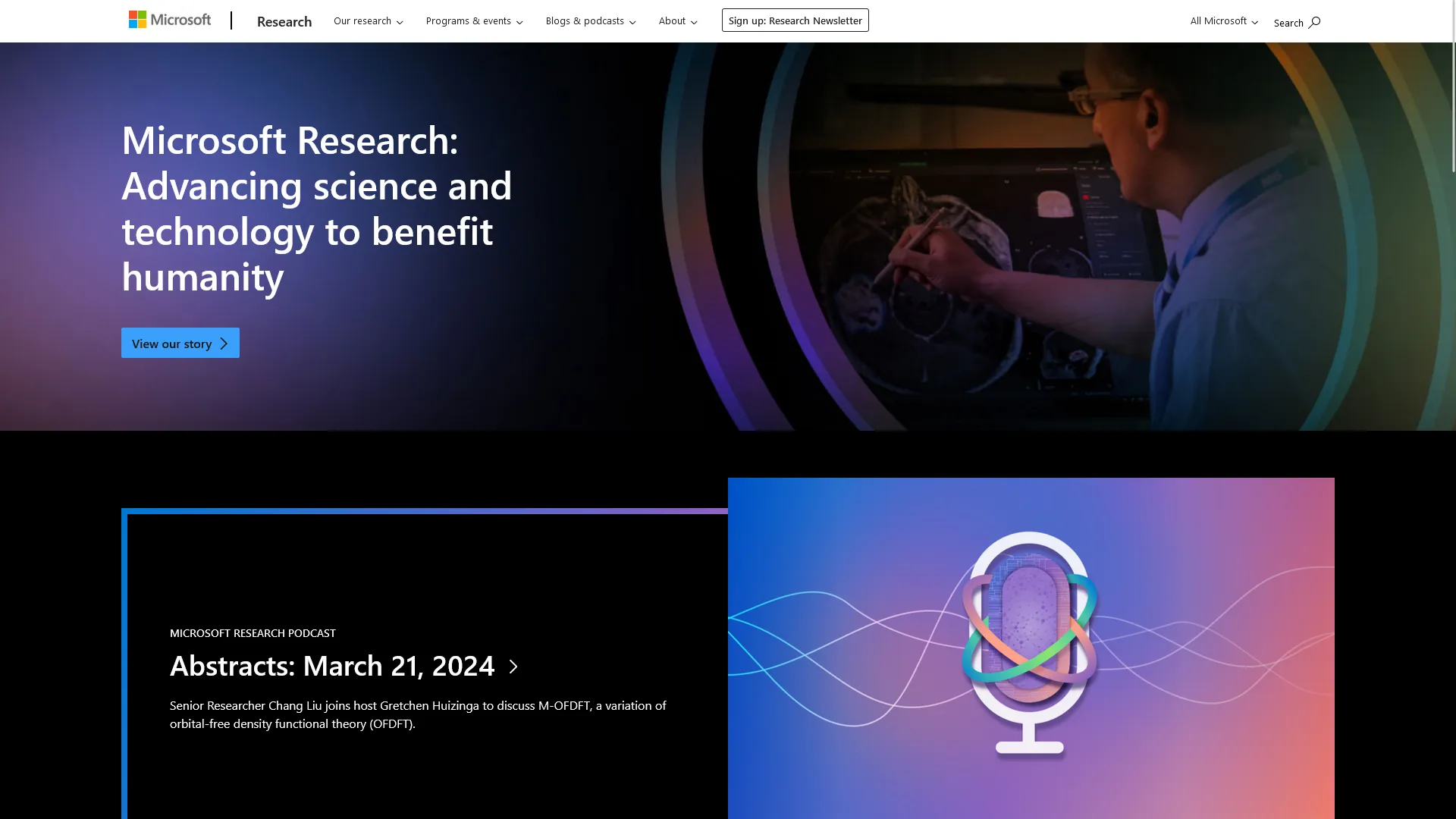
Gutenberg Transition
The site itself had been around for some time before WordPress debuted the Gutenberg editor. The team at Microsoft Research wanted to transition their site to Gutenberg to take advantage of the new features and improvements. I worked with the team to transition their site to Gutenberg. This involved updating their content from the Classic Editor to Gutenberg, as well as converting certain features to custom blocks and utilizing the new editor UI.
Moving to Gutenberg wasn’t just a technical migration; it meant rethinking how editors without design training would build pages. We chose which native blocks to allow versus which needed custom blocks, specifically to keep editors within the bounds of the Microsoft brand system rather than giving them unrestricted layout freedom. That tradeoff shaped which custom blocks got built first.
Moray Conversion
Originally, the Microsoft Research site ran off of an internal set of tools that included components and theming. However the time eventually came to convert their theme to a newer standard. Moray, which uses utility CSS, was the new standard for theming at Microsoft.
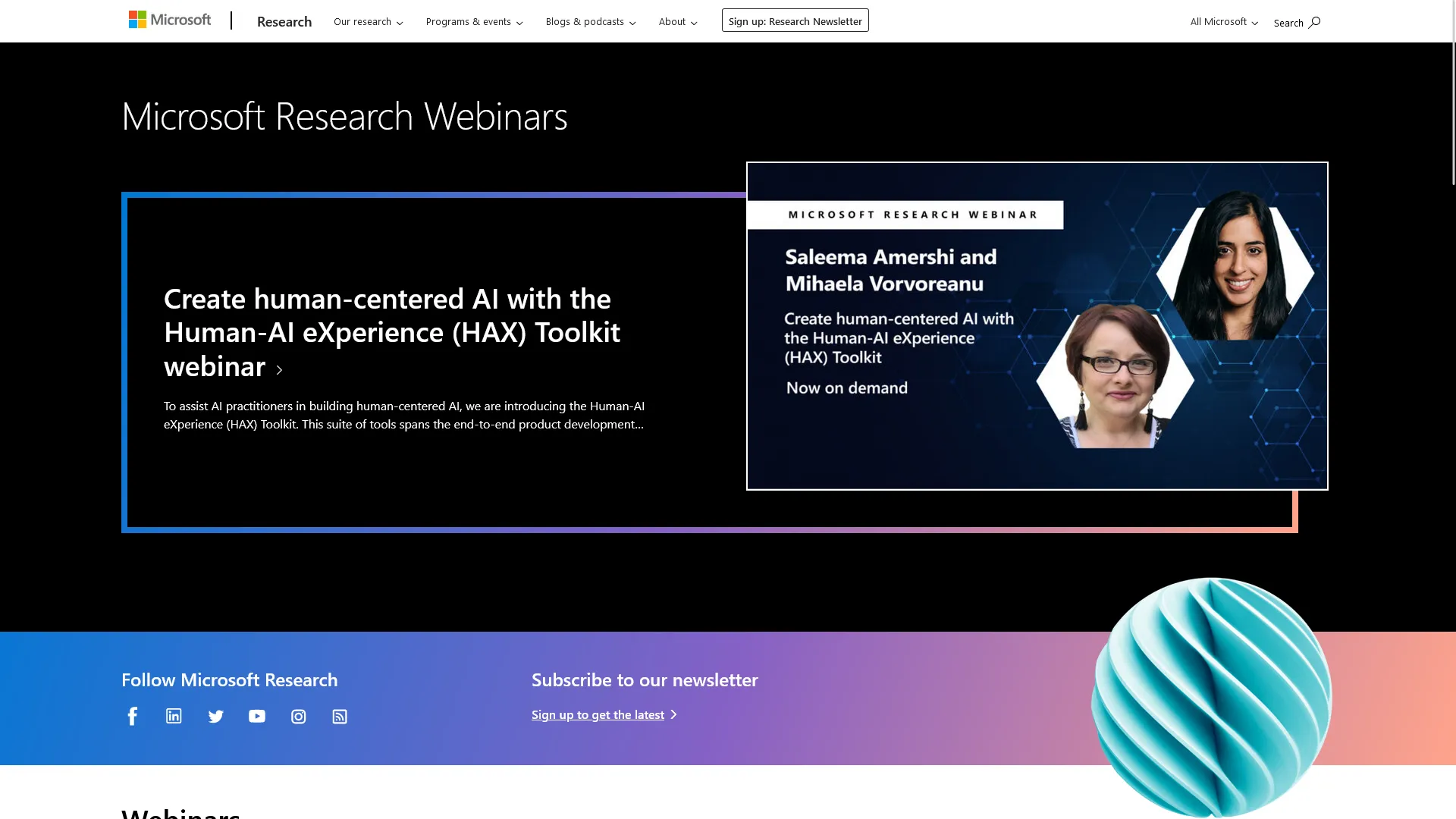
I worked with the team to convert their site to Moray, which involved updating their components and styles to use the new utility CSS. A special part of the conversion included performance. While their entire Moray library was considerably large, we were able to optimize the site to only include the necessary components and styles using tools from Tailwind to purge unused styles.
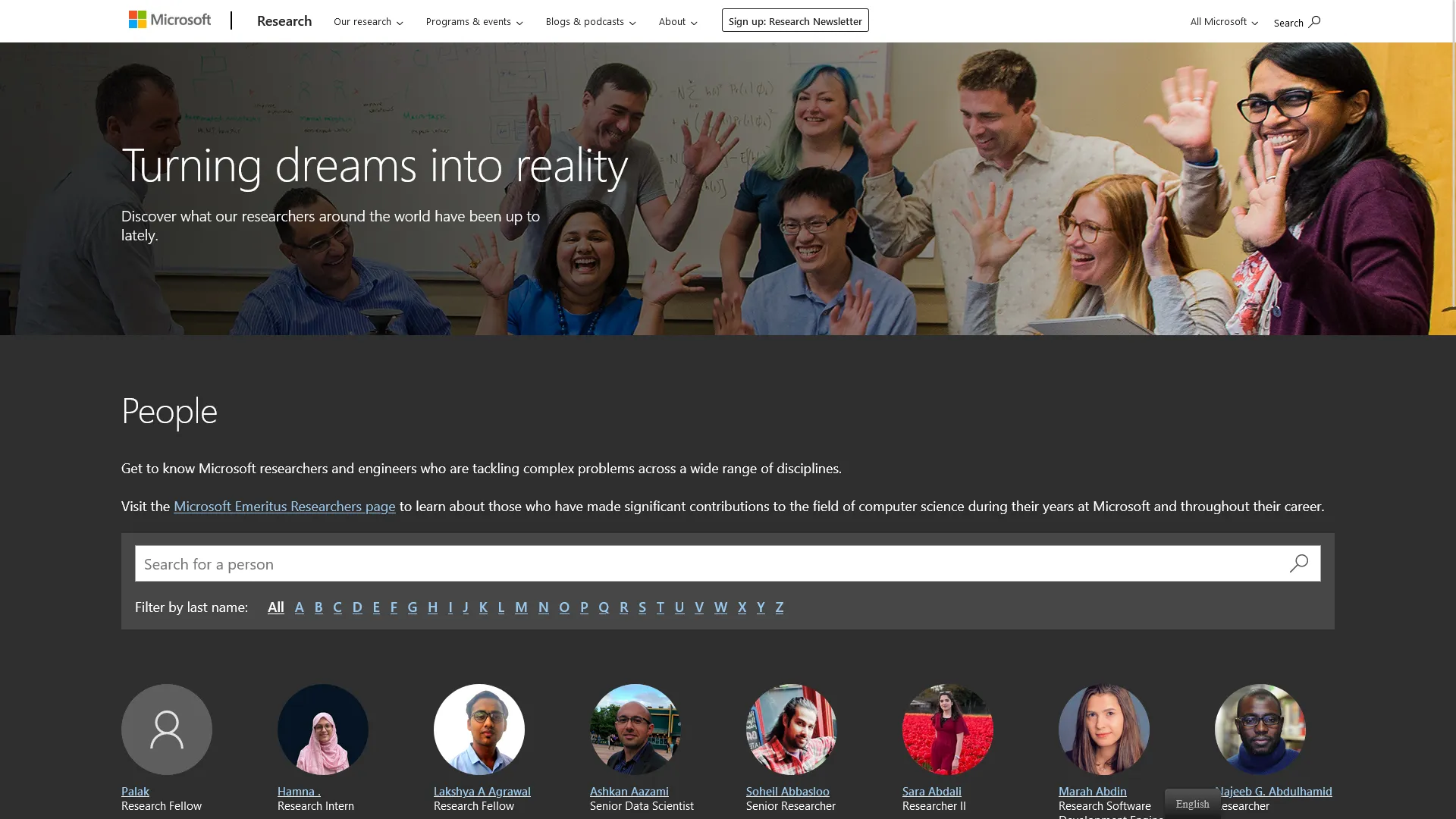
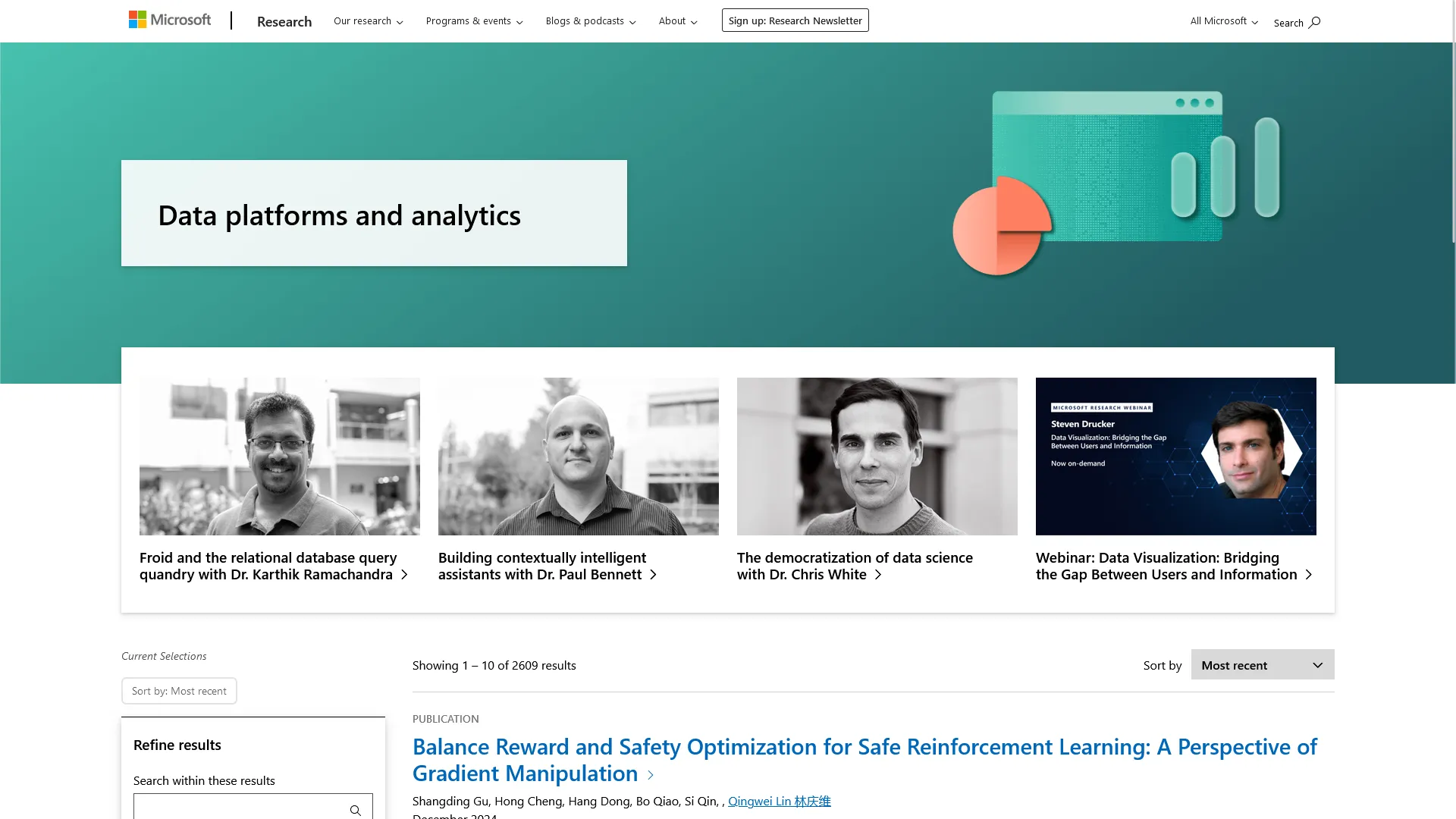
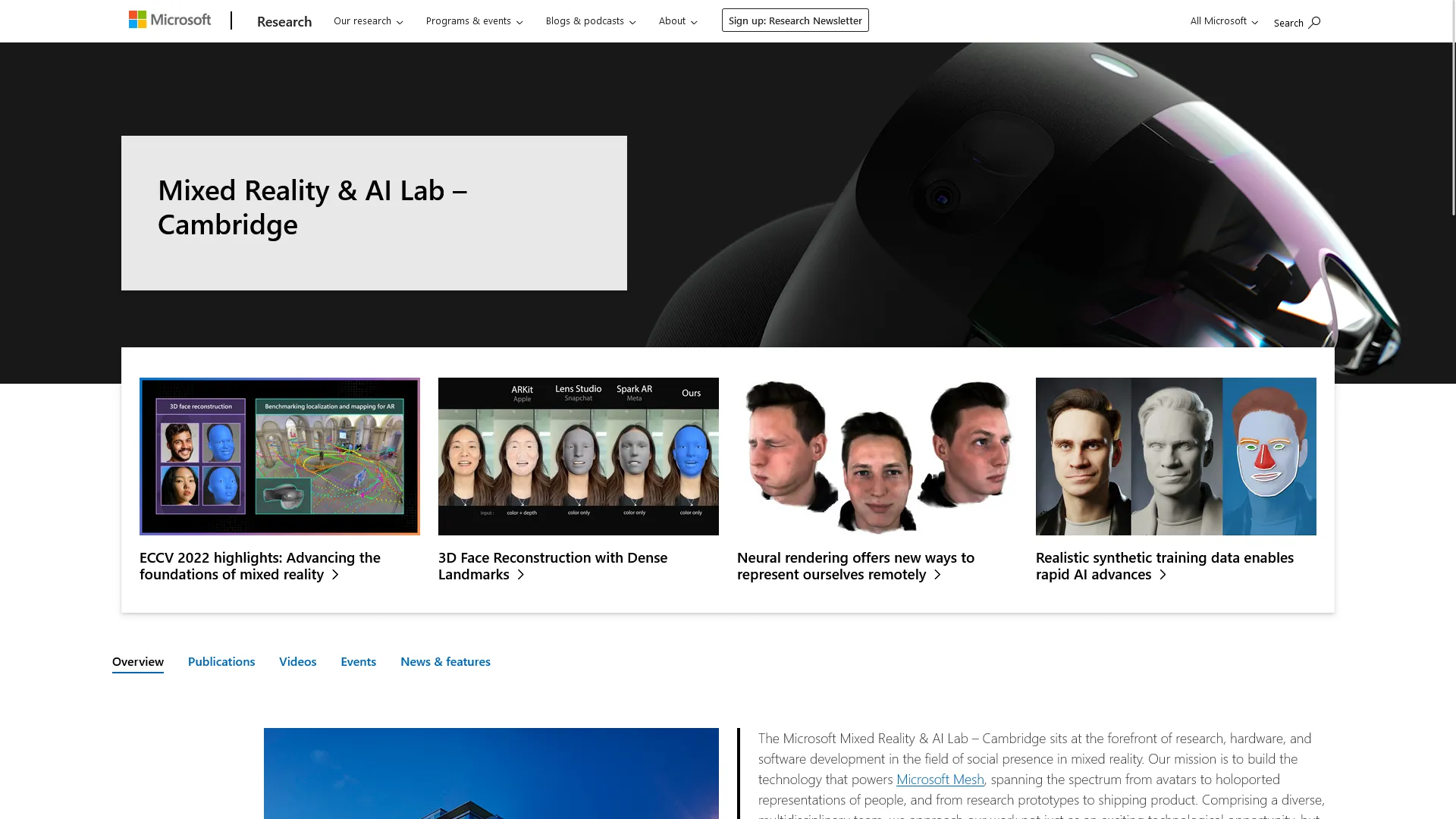
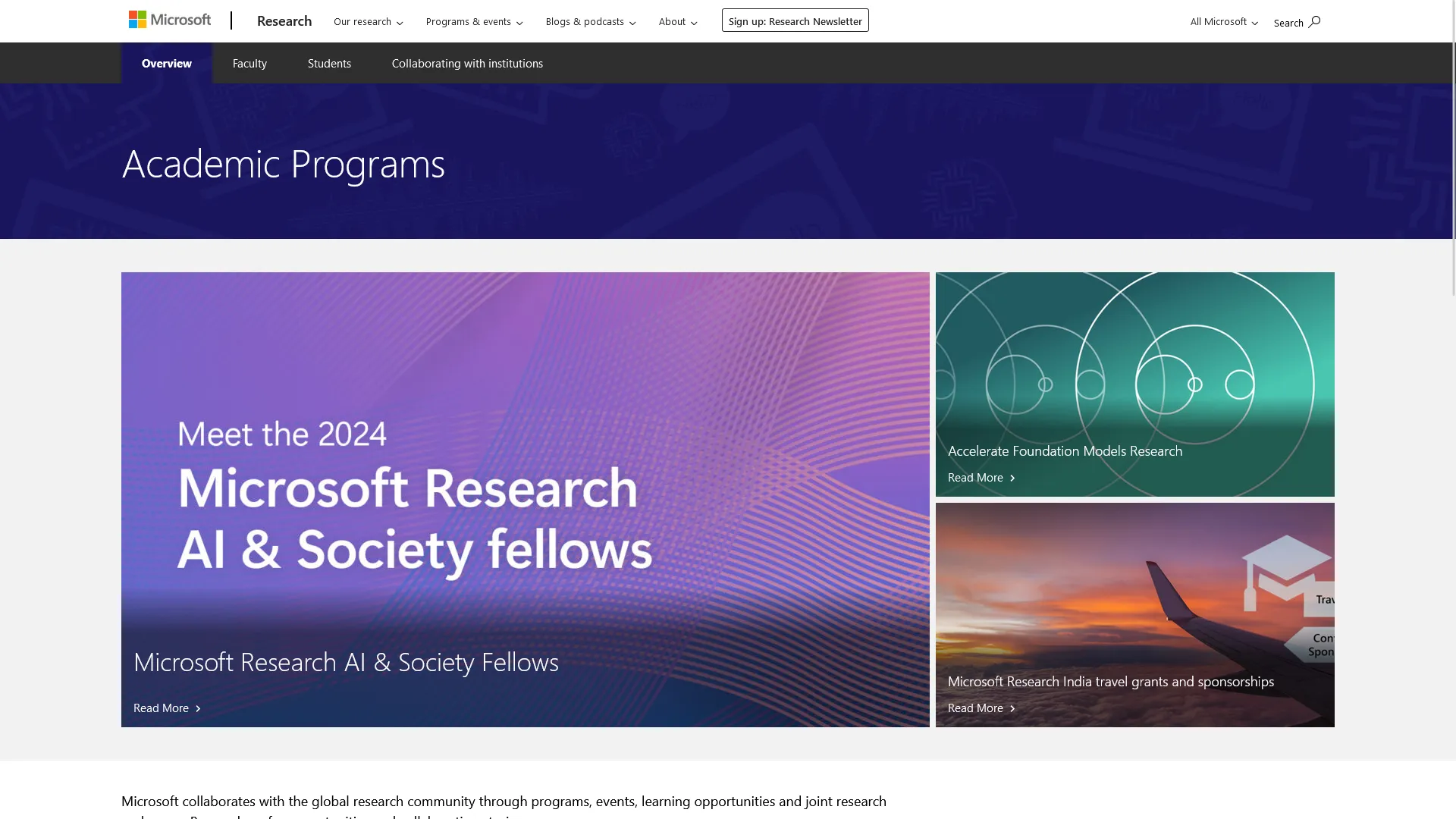
In addition, we converted a number of pre-existing components to use their new utility CSS. This involved updating the styles and classes of components and content types throughout the entire site. Pages like their people directory had to maintain existing functionality while other pages like webinars were updated to align with the refreshed branding. As previously mentioned during their Gutenberg transition, we also had to make sure that core blocks and custom blocks were styled correctly with the new utility CSS, both in the WordPress editor and on the front end.
Converting to utility CSS wasn’t a drop-in replacement. It meant deciding, component by component, whether to preserve existing visual patterns or use the transition as an opportunity to unify inconsistencies that had crept in over time. Pages like the people directory needed to retain existing functionality exactly, while others, like webinars, were treated as a chance to bring the design in line with the refreshed branding. That meant making a call on a page-by-page basis about how much visual debt to fix versus how much risk that introduced.
In the end, this made their site not only align with Microsoft brand standards, but also improved the performance of their site overall. In addition, pages which over time had diverged from each other now had a unified design, in addition to common UI patterns. We were also able to layer on additional styles to give Microsoft Research a unique look and feel within the Microsoft brand.
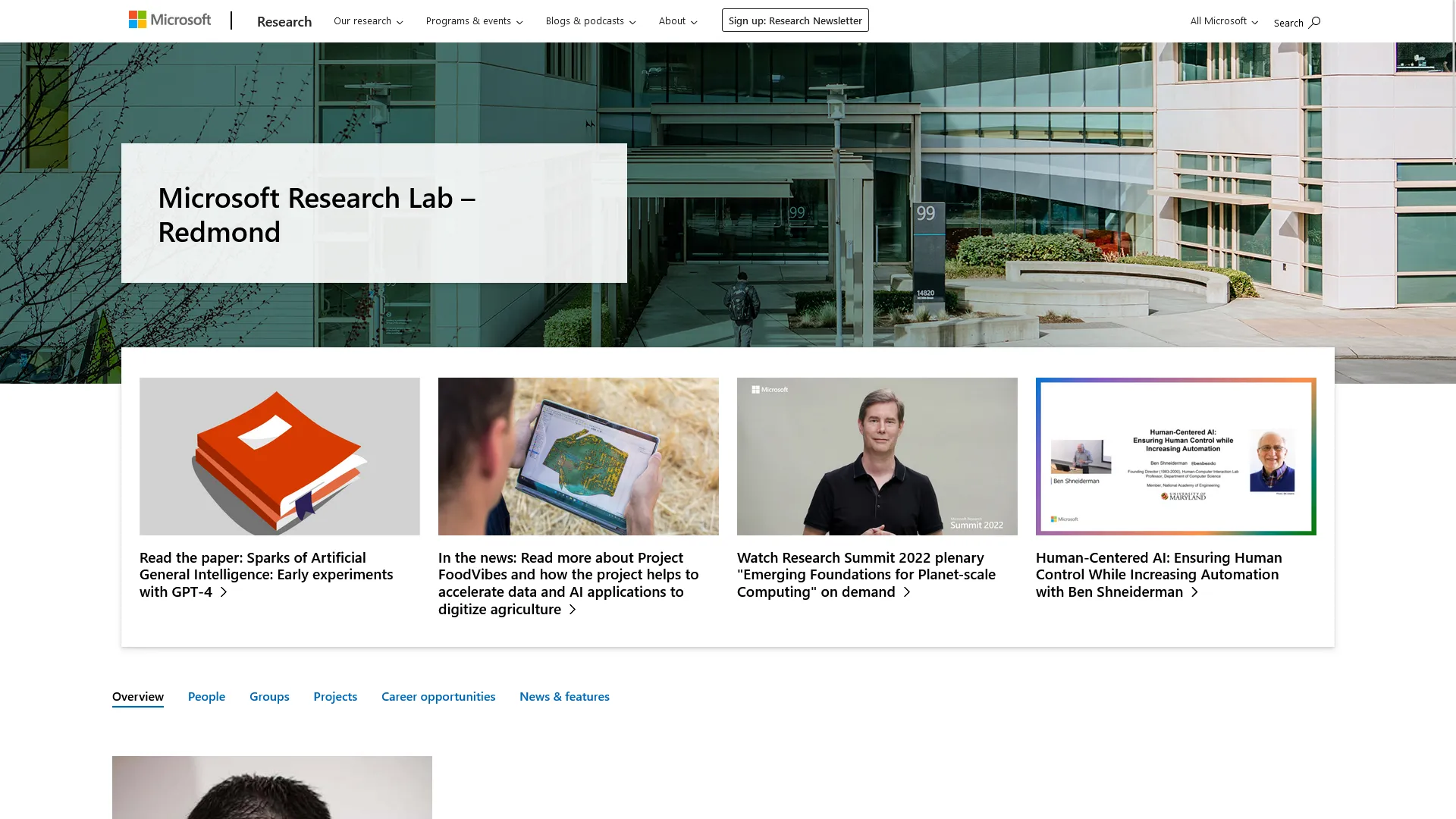
Search Improvements
The Microsoft Research site has a large amount of content, with literally thousands of posts and other items. With that in mind, the search functionality is a key part of the site. I worked with the team to improve the search functionality on their site (twice, in fact). In the first iteration, we used progressive enhancement with vanilla JavaScript to create a search experience that was accessible and functional, but also allowed for client side loading and filtering.
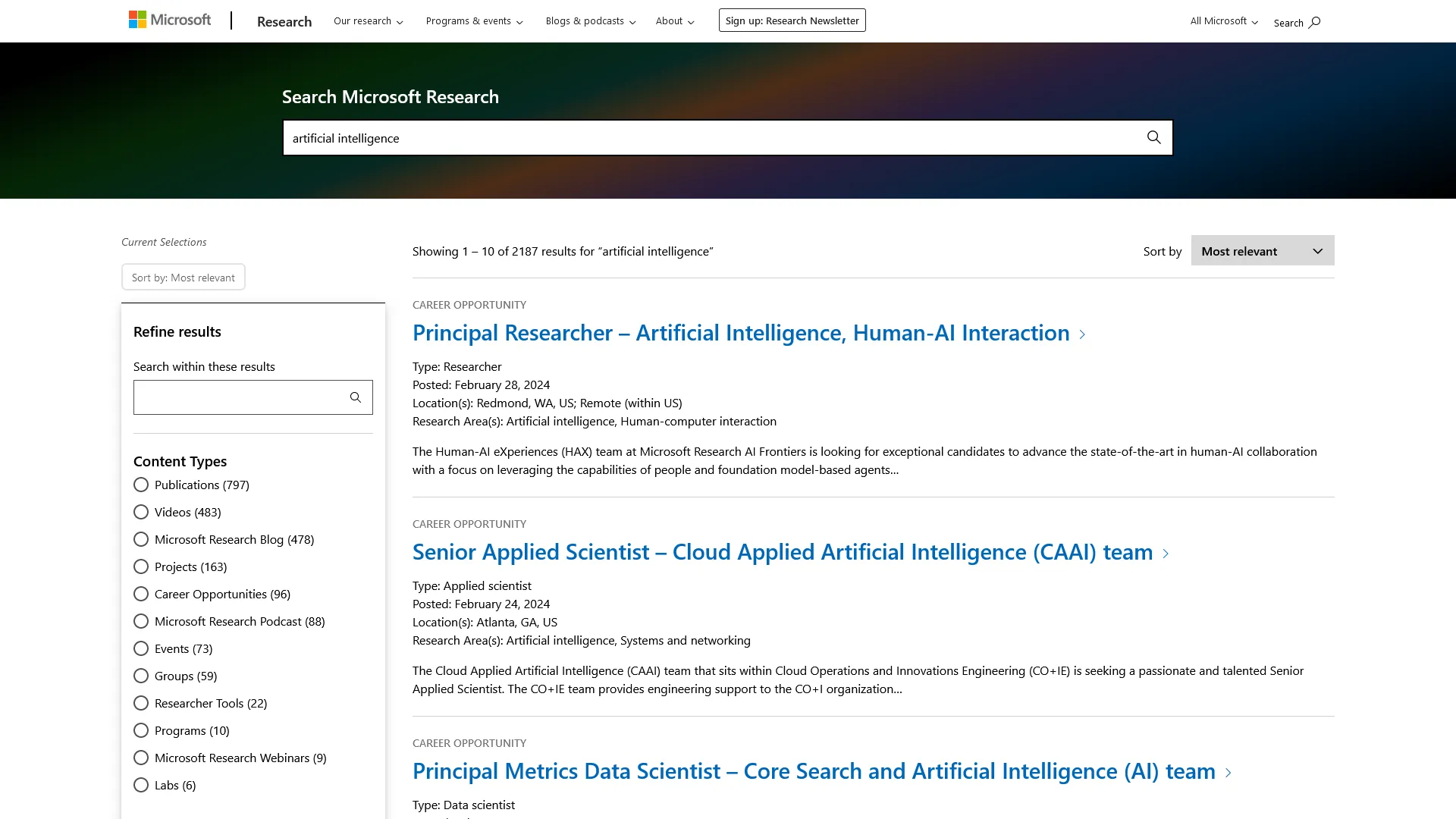
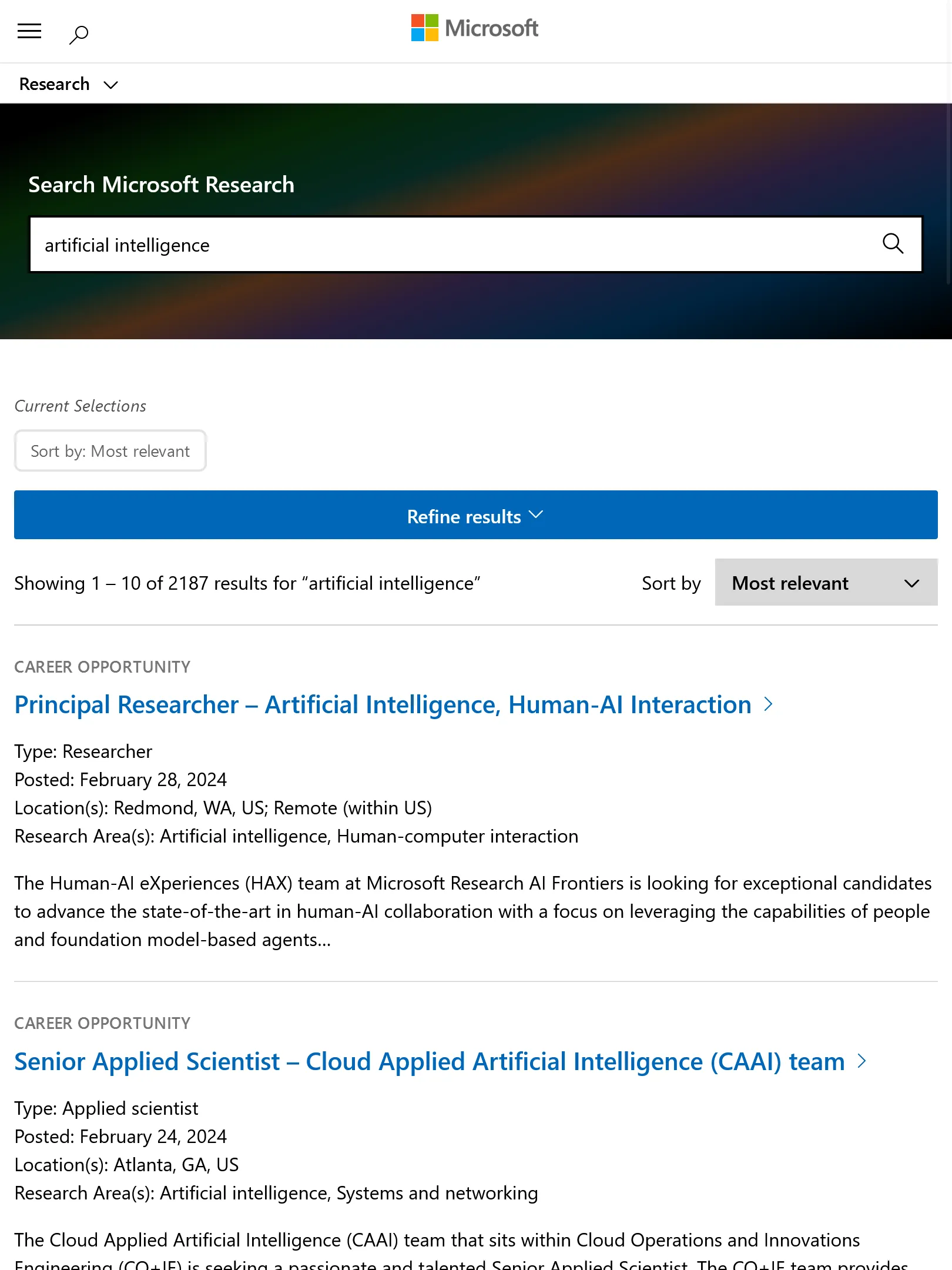
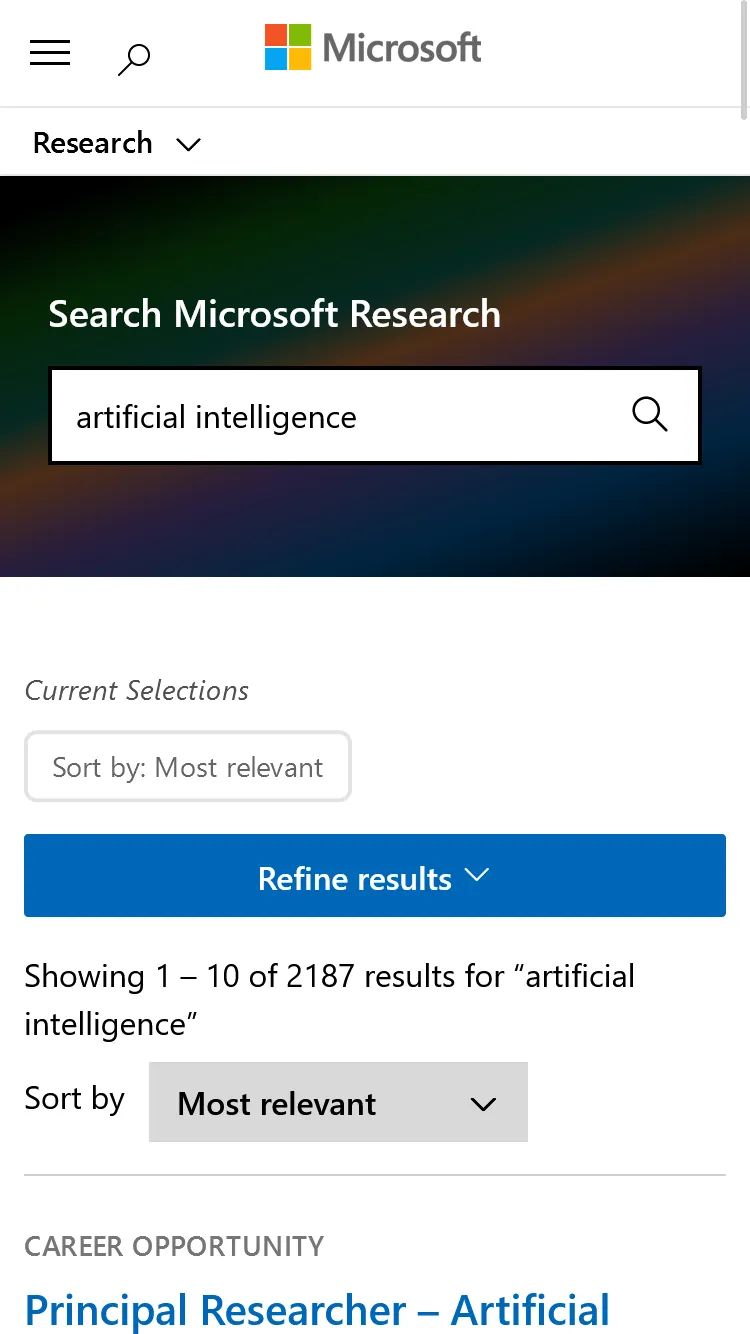
This worked well for some time, but performance was not up to par with similar sites. The decision to move to Preact over sticking with vanilla JS came down to weighing maintainability against bundle size — Preact’s small footprint meant we could get component-based structure and easier long-term maintenance without paying much of a performance cost. We also made deliberate UX calls here: adding a skeleton loader instead of a spinner to reduce perceived wait time, and designing richer result entries because user feedback showed that plain text results weren’t giving people enough context to know if a result was relevant before clicking.
With that in mind in the most recent iteration, the search functionality was redesigned from the ground up to use a custom REST API endpoint as well as utilizing Preact for the front end to improve performance and user experience. With years of lessons learned, we approached the search on a model from their sister sites at Microsoft, Microsoft Cloud Blogs, which features a custom REST API endpoint, as well as a complete Preact application to handle filtering, routing, accessible components, displaying results, and more (which I also helped build). Both were chosen initially to improve performance over the older implementation, while also making ongoing maintenance easier as more of the team was familiar with the technology and patterns.
With the new search experience, the results load significantly faster than the previous implementation. We also take advantage of their Moray branding to make the search experience feel like a natural part of the site. The new search experience has been well received by the team at Microsoft Research and their users.